Fortnite is an Adventure, Role-playing (RPG), Shooter, Simulator and Strategy game released Jun 29, 2020 for PC, PlayStation, Xbox, Nintendo, iOS, Android and Mac.
Where to play: Fortnite is available on PlayStation Store, Xbox, Nintendo eShop, Epic Games Store, App Store and Google Play. Use the store links above to grab it on your platform of choice.
Grab it here
Official store pagesThe lore
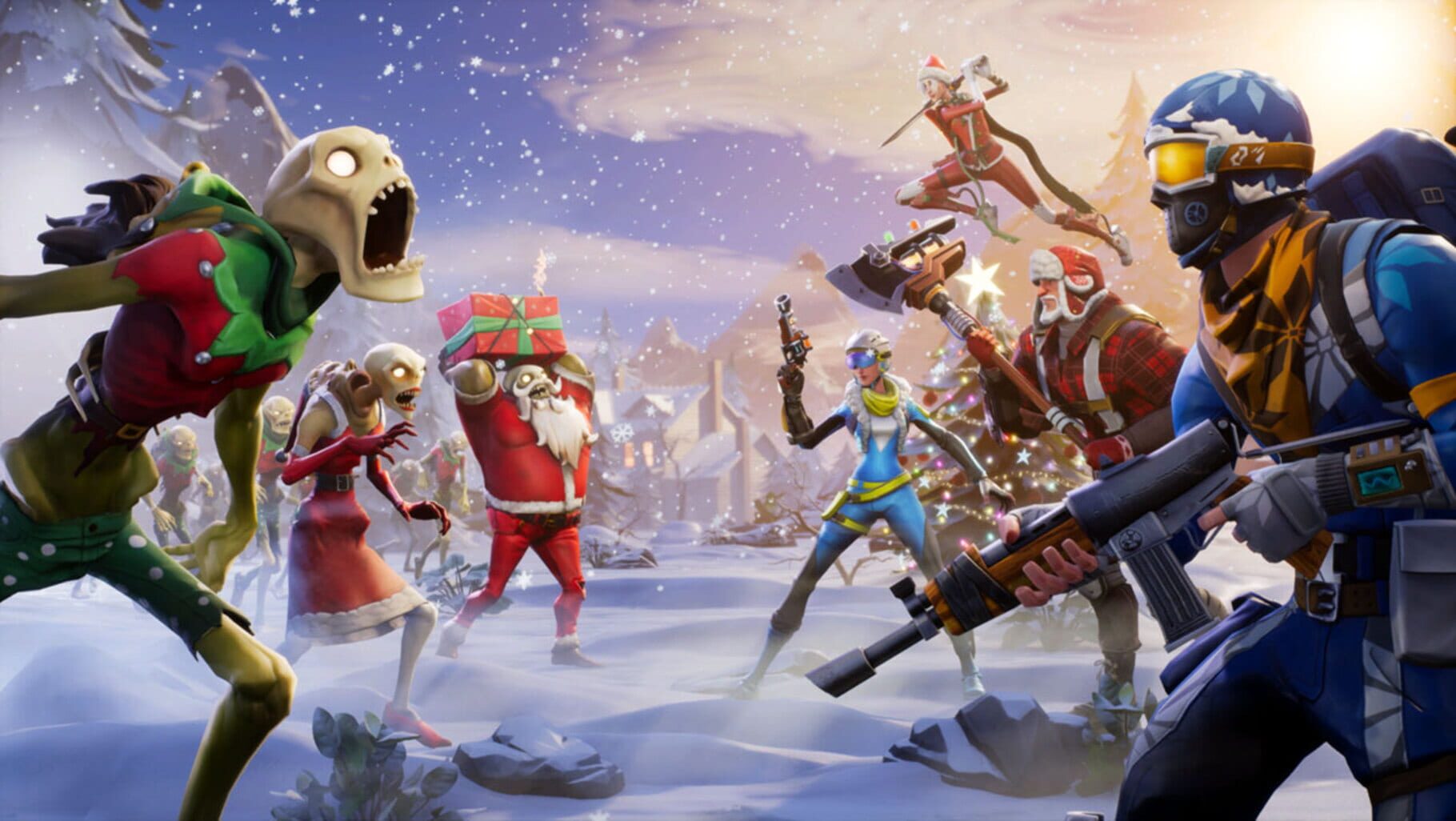
Fortnite is a free-to-play online game where you and your friends fight to be the last one standing in Battle Royale, join forces to make your own Creative games, or catch a live show at Party Royale.
The feed
Be the first to postBug & feature board
23 issues logged[General] Controller inputs may become unresponsive when entering the Lobby
We're working to fix an issue that may cause controller inputs to become unresponsive when entering the Lobby and trying to select an experience. **Temporary Workaround:** Switch tabs to restore input and select an experience. **JIRA** FORT-1114774
[Fortnite Mobile] Unable to Turbo Build when already holding a "Place" button.
Players may experience Turbo Build interruptions when tapping another "Place" button while already holding a "Place" button. **JIRA** FORT-1096239
[Save the World] Known Save the World Issues
**See the new, updated list of known issues **[**here**](https://communities.epicgames.com/thread/fixes-and-improvements-in-v41-20/lDOp "")**.** - We’re investigating inconsistent weapon damage output, particularly during Mythic Storm King fights. - [Simple Edit] UI does not update to reflect the reset after editing a structure. - [Xbox One] Directional Jump Pads won’t activate when Phase Shifting onto them. - The Hero Commander Buckle+ Perk currently provides reduced effective damage as weapon level increases.
[Battle Royale/Blitz Royale/Reload/OG] "Reload" or "Aim Down Sights" not triggering when assigned to the "Shift" key.
If the player uses custom bindings and assigns the _Reload_ or _Aim Down Sights_ action to the _Shift_ key, their character does not perform the assigned action. **Temporary Workaround:** Assign the action to a different key located near the _Shift_ key. **JIRA** FORT-1076935
[Battle Royale/Blitz Royale/Reload/OG] [Controller] Crouch and Confirm Edit may trigger at the same time with custom controls.
If the _Crouch_ and _Confirm_ or _Reset_ Edit actions are assigned to the **same** button in a custom binding preset, both actions may unintentionally trigger at the same time. **Temporary Workaround:** - Go to **Settings > Controller Mapping > Presets > Controller Binding Presets > Custom > Edit** - Ensure your **Crouch** and **Confirm/Reset** actions are assigned to separate buttons. **JIRA** FORT-987686
[Battle Royale/Blitz Royale/Reload/OG] [Reload] The "Reboot" action may not work if mapped to a custom bind.
If a player assigns the _Reboot_ action to a custom bind, it may not work. This occurs when both the controller and keyboard inputs are used. **Temporary Workaround:** Using the default bind restores full functionality. **JIRA** FORT-972058
[Fortnite Mobile] Controller bindings cannot be customized on Mobile.
Players may be unable to change their current bindings when using a supported (instrument) controller in Fortnite Festival, Rocket Racing and LEGO Fortnite. **JIRA** FORT-887000
[LEGO Fortnite] Swivels might break builds
We’ve identified an issue where swivels may cause builds to break. We’re currently investigating and will share an update as soon as we have more information. **JIRA:** PLAY-110596
[LEGO Fortnite] No notification for unlocking Charm recipe
We are aware of an issue where some players won’t get notified if they’ve unlocked a new Charm recipe. We are working on a fix and will provide an update once it has been implemented. **JIRA:** PLAY-105794
[LEGO Fortnite] Players may get stuck in a cannon if its damaged or falls into water while operating it.
DESCRIPTION Players may remain in ‘cannon control mode’ if damaged while loaded into a cannon or remain in sitting position if in a cannon seat while it falls into water. In both instances, leaving and rejoining your world should resolve this if players become “stuck”. We have a fix planned for a future update soon. JIRA PLAY-56525
[LEGO Fortnite] Lag/hitching issues in the Storm King fight
We are aware of lag/hitching issues occurring when players are fighting the Storm King. We are actively investigating and will provide an update when this is fixed. \_\_\_\_\_\_\_\_\_\_\_\_\_\_\_\_\_\_\_\_\_\_\_\_\_\_\_\_\_\_\_\_\_\_\_\_\_\_\_\_\_\_\_\_\_\_\_\_\_\_\_\_\_\_\_\_\_\_\_\_\_\_\_\_\_\_\_\_\_\_\_\_\_\_\_\_\_\_\_\__ **Update (2/21)**: We’ve resolved some of the lag instances that were happening when players were fighting the Storm King. We are working on fixes for other lag issues and will let you know when they are resolved. \_\_\_\_\_\_\_\_\_\_\_\_\_\_\_\_\_\_\_\_\_\_\_\_\_\_\_\_\_\_\_\_\_\_\_\_\_\_\_\_\_\_\_\_\_\_\_\_\_\_\_\_\_\_\_\_\_\_\_\_\_\_\_\_\_\_\_\_\_\_\_\_\_\_\_\_\_\_\_\__ **JIRA:** PLAY-72711
[LEGO Fortnite] A prompt to flip a vehicle no longer appears when a vehicle is flipped.
When standing next to a flipped vehicle, players may notice the prompt to flip the vehicle is no longer displayed. **Temporary Workaround:** Use the environment or Balloons to lift and flip the vehicle back. **JIRA** PLAY-68885
[LEGO Fortnite] Isabelle won't talk to players while interacting with the blackboard.
If the player goes to the Classroom at Mourndale Academy and interacts with Isabelle while she’s at the blackboard, she may not talk to the player until she’s done interacting with the blackboard. **JIRA** PLAY-76019
[LEGO Fortnite] 'F' key conflict: unable to interact with objects.
If the ‘**Use'** command is assigned to the ‘**F'** keyboard button, players may not be able to interact with objects in Brick Life. **Temporary Workaround:** Unbinding the **"Object Carry / Sidegrade"** command so that it no longer uses the ‘**F’** key will allow interaction with **'F’** again as before. No other keys that default to **'F’** need to be unbound. **JIRA** PLAY-75060
[LEGO Fortnite] The Wasp 8000 Motorcycle may float after hopping off while in motion.
If a player dismounts from the Wasp 8000 Bike while it’s in motion, the bike may float in the air once it comes to a complete stop. **JIRA** PLAY-73173
[LEGO Fortnite] Storm King's Weak Points and Rift Spawners are immune to damage when an enemy is around.
During the Storm King fight, the Weak Points on his Crystals/Horns and Rift Spawners may be immune to damage when an enemy is near. **Temporary Workaround:** This will not occur if the enemy is eliminated or moves away from Weak Points or Rift Spawners. **JIRA** PLAY-67753
[LEGO Fortnite] Enemies' health bars may not appear at times.
Health bars above the enemy might not be displayed when the said enemy is taking damage. **JIRA** PLAY-69092
[LEGO Fortnite] Invisible collision in Phase 1 after being eliminated in Phase 2 of the Storm King fight.
If players are eliminated during the Phase 2 of the Storm King encounter and re-enter the Boss area, they may run into invisible walls and/or objects. **PLAY** PLAY-66543
[LEGO Fortnite] Stuck when exiting the Crusher.
When getting out of the driver’s seat, players may get stuck between the seat and the railing on the Crusher vehicle. **Temporary Workaround:** Using the Fly Mode may help the player get unstuck. **JIRA** PLAY-61249
[LEGO Fortnite] Consumable buff timers can be overwritten when eating another consumable with a buff
**Description** When players already have a buff effect from a consumable and they eat another consumable with a buff effect it will be overwritten. For example, The 10-minute countdown of the Snowberry Juice is replaced by the 2-minute Timer from the Snow Berry. --- **JIRA** PLAY-23493
[LEGO Fortnite] Bottom of HUD can disappear after using macrobinoculars.
After using macrobinoculars, the bottom portion of HUD may sometimes disappear. **Temporary Workaround:** Opening the Settings or the Backpack menu should help the HUD reappear. **JIRA** PLAY-52045
[LEGO Fortnite] There is no indication of which direction some furniture is being placed
**Description** Players can not clearly see the direction some furniture, such as chairs, are facing. --- **JIRA** PLAY-35757
[General] Nintendo Switch players encountering storage space issues
Nintendo Switch players without SD cards may see an error about running out of space during patching or when launching the game. We recommend using an SD card to expand your storage, but if you don't have one, you can free up space if needed in the **System Settings -> Data Management** menu of your Switch. This allows you to: - Archive games in the _**Quick Archive**_ menu - These can be redownloaded at a later time - Delete old save game files in _**Delete Save Data**_ - Make sure these are backed up first if you want to keep them. You can do this in the _**Save Data Cloud**_ menu - Delete old videos and screenshots that you don't need in the _**Manage Screenshots and Videos**_ menu - If you have files you want to keep then you can copy these to a computer via a USB connection. There is a menu option for this We are working on improvements to reduce the size of the game which should make these issues less common in future.
FAQ
Quick answers about FortniteWhat platforms is Fortnite on?
Fortnite is available on PC, PlayStation, Xbox, Nintendo, iOS, Android and Mac.
When was Fortnite released?
Fortnite was released on Jun 29, 2020.
Where can I play Fortnite?
You can get Fortnite on PlayStation Store, Xbox, Nintendo eShop, Epic Games Store, App Store and Google Play. The store links on this page point to the official pages.
How is Fortnite rated?
Fortnite holds a player score of 77/100 (7.7/10) from 991 ratings.